For consultants
Inspect the work and compare it with the model
You need clear findings and a record that the client accepts. XR Blueprint and XR Blueprint 3D give you both, on site.
What you get
- 01
Repeatable inspections
Use one checklist for each type of work, and adapt it to the project.
- 02
Findings you can prove
Each finding has a place on the plan or on the model, a photo and a comment.
- 03
A short path to the designer
Send the differences between the model and the built work to the design team as BCF.
How you work
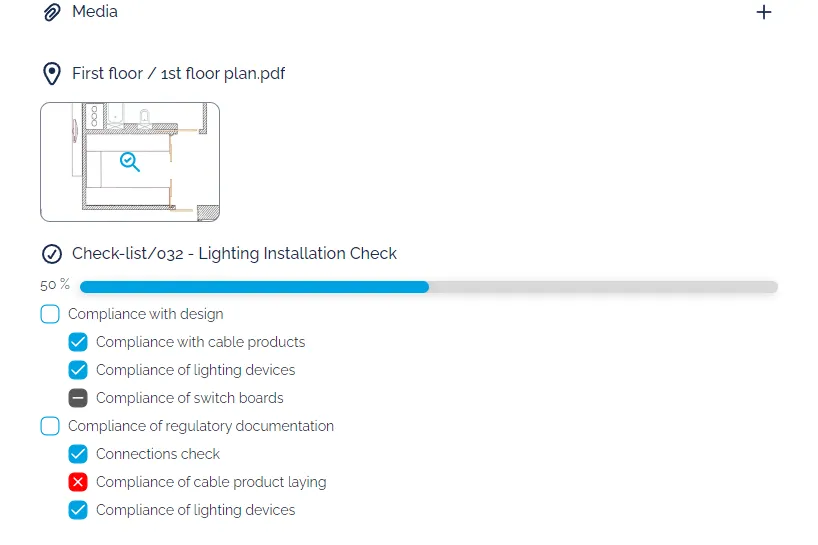
Checklists
Adapt a checklist to the work and tick each item on site.
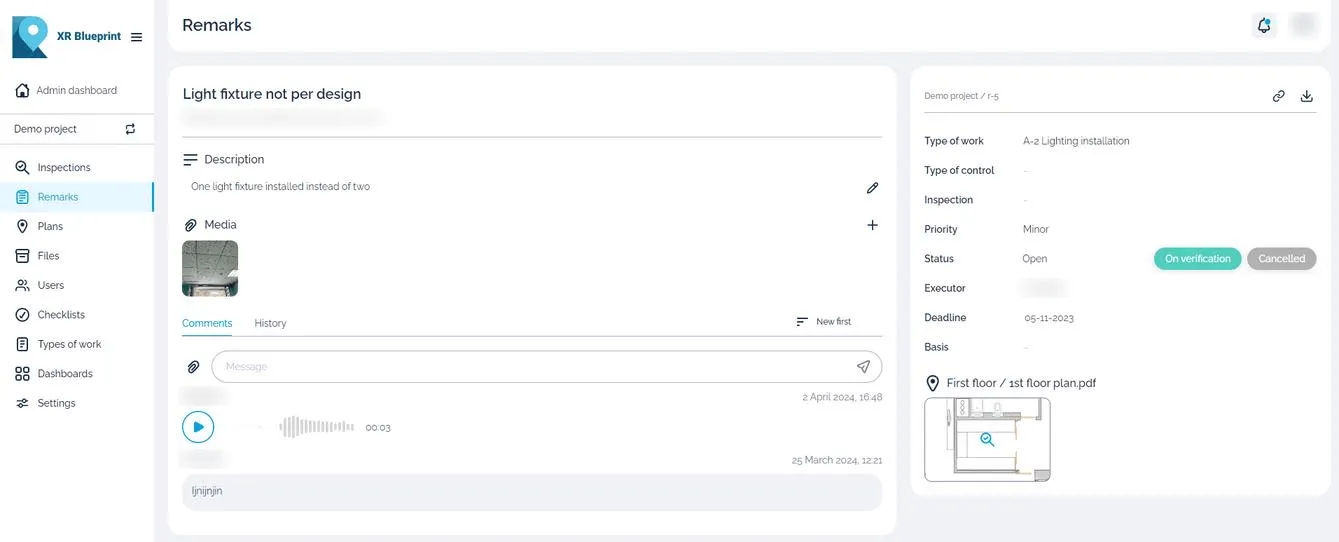
Inspections on the plan
Pin each finding on the drawing. Add a photo, a video or a voice comment.
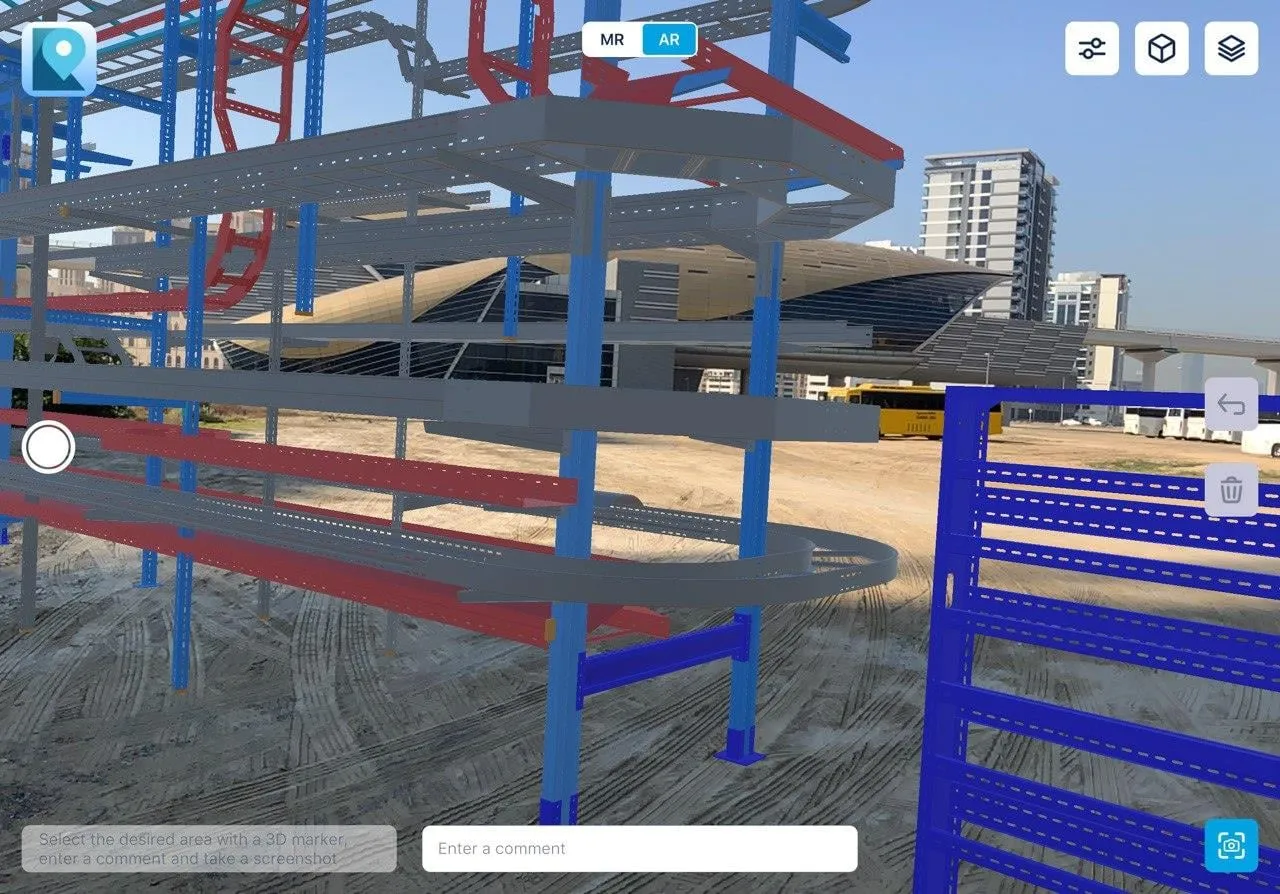
BIM model against the built work, in AR
XR Blueprint 3D shows the BIM model over the real building at 1:1 scale. You see where the work differs.
BCF to the design team
Mark the area with a 3D marker, add a comment and export the issues as BCF.
Inspection reports
Export an inspection report to share with the client and keep as the record.
Case study
Samara metro, Phase I
- Project facts
- 12,000 m², 3 metro sections, 28 specialists involved
Phase I of the Samara metro, Russia, in three sections. Engineers and managers logged snags on site in real time and received automatic notifications.
Read the case studyRelated products
XR Blueprint
Inspections and snags on your drawings.
See XR BlueprintXR Blueprint 3D
Check the build against the BIM model in AR.
See XR Blueprint 3DBIM CUT
Prepare IFC models for site tablets.
See BIM CUT